
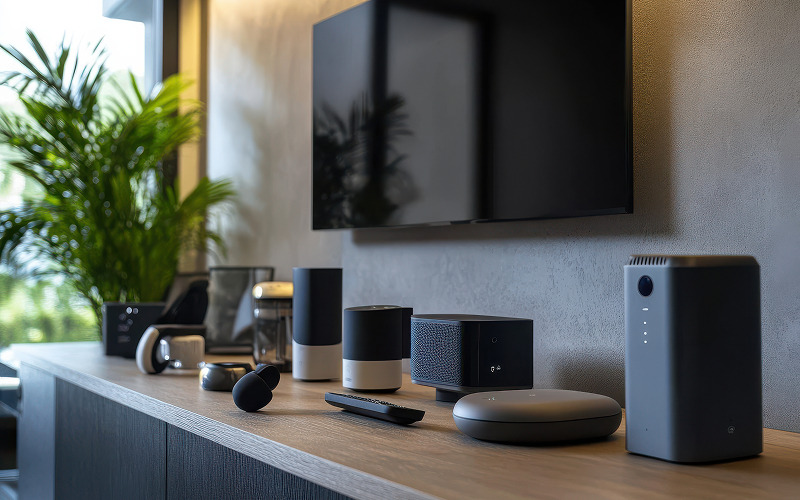
A home audio setup should suit the way you watch films, listen to music and share sound with others. Headphones can provide a private listening experience, while speakers can fill a room and let several people enjoy the same content. Shoppers comparing headphones in Singapore with Bluetooth surround sound speakers should start with their space, routines and preferred listening experience.
The right arrangement does not always require the most equipment. A simple setup may work well for a small flat or bedroom, while a shared entertainment area may benefit from speakers positioned around the room.
1. Decide Who Needs to Hear the Audio
Start by considering whether you usually listen alone or with other people. Headphones suit late-night films, gaming and music sessions when you do not want to disturb anyone nearby. They also allow you to listen without filling the room with sound.
Speakers make more sense when family members or friends watch a film together. A surround sound setup can create a more immersive experience when the system and room support it. However, placement and room layout influence the result, so the number of speakers alone does not determine performance.
If your household has different schedules, a combination of headphones and speakers may provide more flexibility than relying on one option.
2. Match the Setup to the Room
Room size affects how sound spreads and how easily you can position equipment. In a small bedroom, a compact speaker may provide sufficient output without taking up much space. A larger living room may benefit from a more capable system, depending on the listening distance and the number of people sharing it.
Check the available surface area, power outlets and distance between the television, speakers and seating. Surround sound depends on suitable placement, so confirm the manufacturer’s recommendations before choosing a system.
For headphones, room size is less important, although comfort and the device’s connection range still matter. If you move around while listening, test whether the connection remains stable in the areas you use.
3. Consider Films, Music and Dialogue Separately
Different types of content place different demands on an audio setup. Films may benefit from spatial effects and clear dialogue, while music listeners may focus on tonal balance, vocals or bass response.
If you watch films with frequent quiet dialogue and loud action scenes, check whether the system offers dialogue enhancement or volume-balancing features. These settings can help, although results vary by content and device.
For music, listen to familiar tracks before making a decision. Headphones can reveal detail during private listening, while speakers let you hear the music in the room. The preferred experience depends on personal taste and how you intend to use the system.
4. Check Connectivity and Device Compatibility
A wireless setup still needs compatible connections. Check how the speaker or headphones connect to your television, phone, computer or streaming device. Bluetooth support alone does not guarantee every surround sound feature will work through every source.
Review the supported audio formats, connection methods and any requirements for a dedicated transmitter or hub. Some systems may need a wired connection to the television for specific audio functions.
If several household members will use the equipment, consider how easily it switches between devices. Clear controls and reliable pairing can make a larger difference to everyday use than a feature you rarely need.
5. Balance Convenience, Cost and Maintenance
Headphones usually require less room and fewer setup steps than a multi-speaker system. They can be stored away when not in use and may be convenient for travel around the home. Their fit, battery life and charging routine still need consideration.
Speakers can offer a shared listening experience, but a multi-unit setup may require more space, careful placement and extra configuration. Check what is included in the box and whether stands, cables or mounting accessories cost extra.
When comparing Bluetooth surround sound speakers, distinguish a system that creates a surround-like effect from one with separate physical speakers around the room. Review the manufacturer’s specifications to understand the actual configuration.
Decision Matrix: Which Setup Fits Your Routine?
| Listening need | Headphones in Singapore | Bluetooth surround sound speakers |
| Late-night film watching | Suitable for private listening | May disturb people nearby |
| Watching films with family | Each listener may need a pair | Suitable for shared viewing |
| Listening in a small room | Takes little room space | A compact speaker may fit well |
| Immersive film sound | Depends on headphone design and processing | Depends on speaker layout and room setup |
| Listening while moving around | Wireless range and battery life matter | Placement and connection range matter |
| Minimal setup | Usually simpler to arrange | A multi-speaker system may need more configuration |
Choose your audio setup around the experience you want rather than the number of features listed on a box. Headphones can offer privacy and flexibility, while speakers support shared listening and may create a more room-filling experience.
When comparing headphones in Singapore with Bluetooth surround sound speakers, check compatibility, space requirements and how each option handles your preferred content.
Visit One Futureworld to help you review audio products and compare the practical differences before you decide.
More Stories
How to Choose Between a Freelancer and a Service Marketplace
The Ultimate Guide to Boosting Productivity with Smart Technology Widget Tools
Facebook Facial Recognition Search for Verifying Online Identities